
Womp skill
A SKILL.md that teaches Claude, Cursor or ChatGPT how to answer Womp questions and check printability.Use this when: you want your AI assistant to know Womp's docs and print limits.
Don't use this for: acting in the editor. Read WebMCP.
The Womp skill is one file: /docs/skill/SKILL.md. Womp builds it from the same docs and rules data as these pages, so its numbers and rule IDs match.
It tells the assistant to read the right page before answering, to quote print limits with their rule IDs, and never to guess values that are being confirmed. It includes the limits people ask about most and a link to every main page.
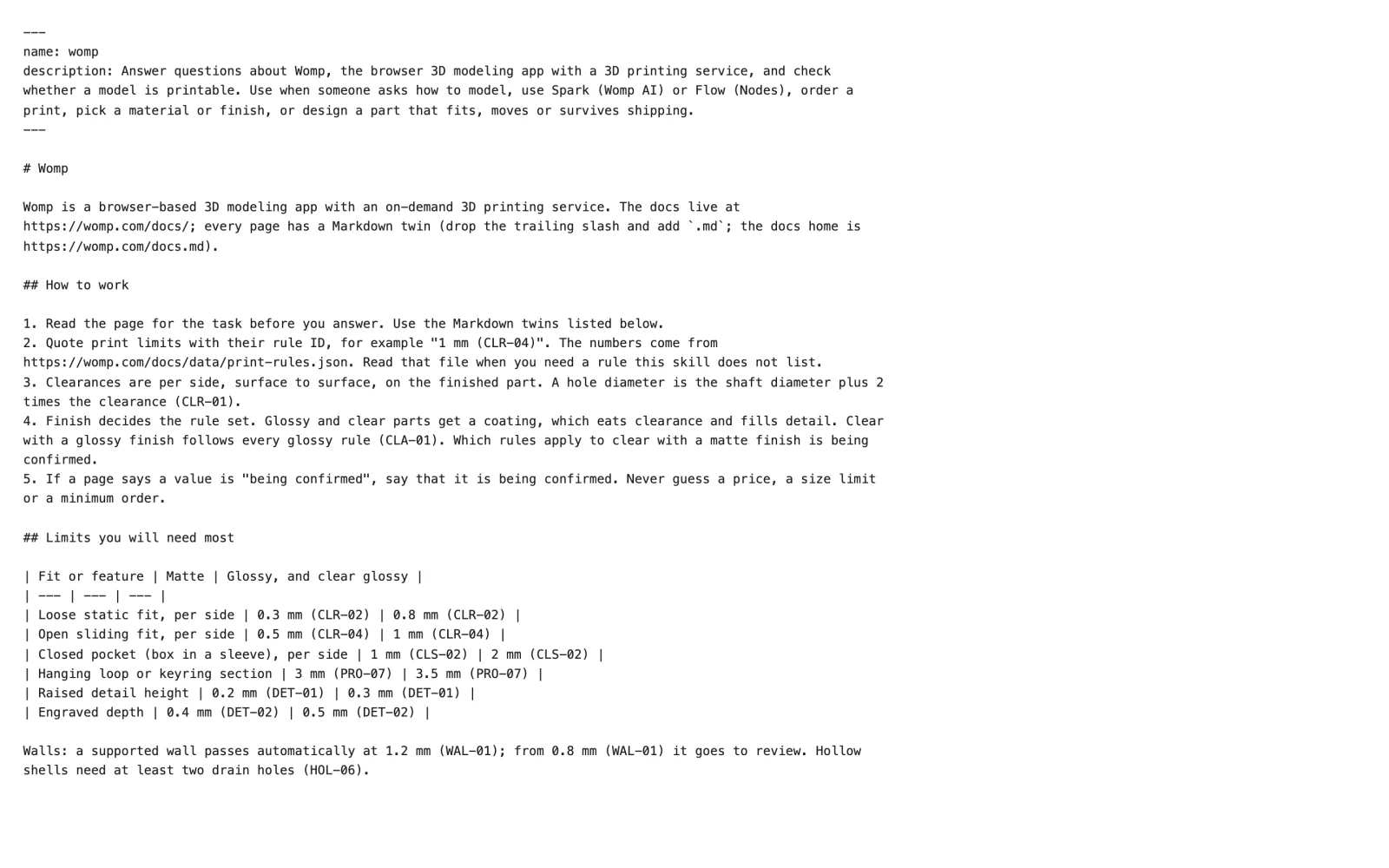
The start of SKILL.md. Its frontmatter names the skill womp and says when to use it. The limits table below it is filled from the rules data.
Install it
- Claude Code: save it as
.claude/skills/womp/SKILL.mdin your project. - Claude apps: put it in a folder named
womp, zip the folder, and upload it as a skill. - Cursor: save it in your project's rules or skills folder.
- ChatGPT: add it as a skill.
Download it again after Womp updates the docs. The footer line of each docs page shows when it was last checked.
Use instead
- Wrong move: copying limits from the skill into your own notes. Why: they go out of date. Right move: let the assistant read /docs/data/print-rules.json when it needs a rule.
Last checked: 2026-11-09. Womp version: Womp web app, November 2026.