Profile and settings
The avatar menu, your public profile, and each account settings page with its options.Use this when: you want to edit your profile, change email notifications or content preferences, switch theme, or find your orders and addresses.
Don't use this for: deleting an account or plans and billing. Read Account and help, and Credits and plans.
Avatar menu
Click your avatar. The menu shows:
- Your profile card: your name, your Womples and your plan (
ProorFree). Click it to open your profile. Credits: how many Spark credits you have left. See Credits and plans.My ordersandSaved addressesfor prints.Settings: the settings pages below.Workspace:switch betweenPersonaland your teams, or chooseCreate a team…. See Womp Teams.Manage subscription, orManage teaminside a team. Free accounts seeTry Pro for FreeorGet Womp Pro.Theme:Light,DarkorSystem.Log out.
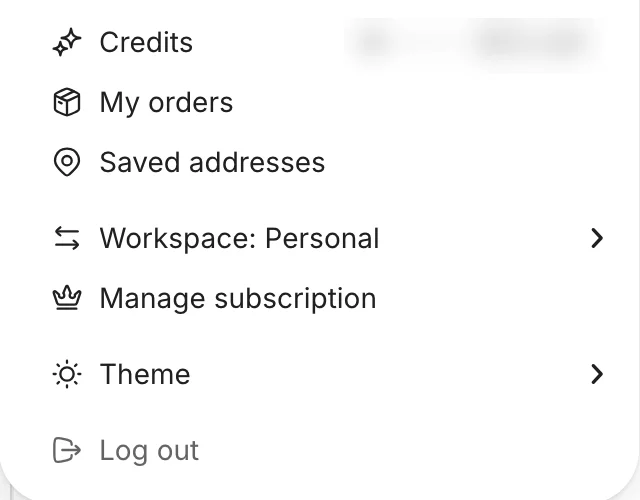
Part of the avatar menu below your profile card. The credit balance is blurred here.
Your profile
Your profile is public. It shows your picture, name and description, your followers and who you follow, and two tabs: Works (your published projects) and Achievements (badges from events).
Click Edit profile to change:
Username: up to 63 characters.Description: up to 200 characters.- Your picture.
Verified creators can also add a contact Email, a Phone number and links (Website, Instagram, Dribble, LinkedIn, Behance, Twitter, Artstation). The Womp team chooses verified creators.
Share profile in the ... menu copies your profile link. On the profile of someone without Pro, the same menu has Gift Womp Pro.
Settings pages
Under Account:
ProfileMy orders: see Shipping and delivery for order statuses.Saved addressesMessage preferencesPreferences
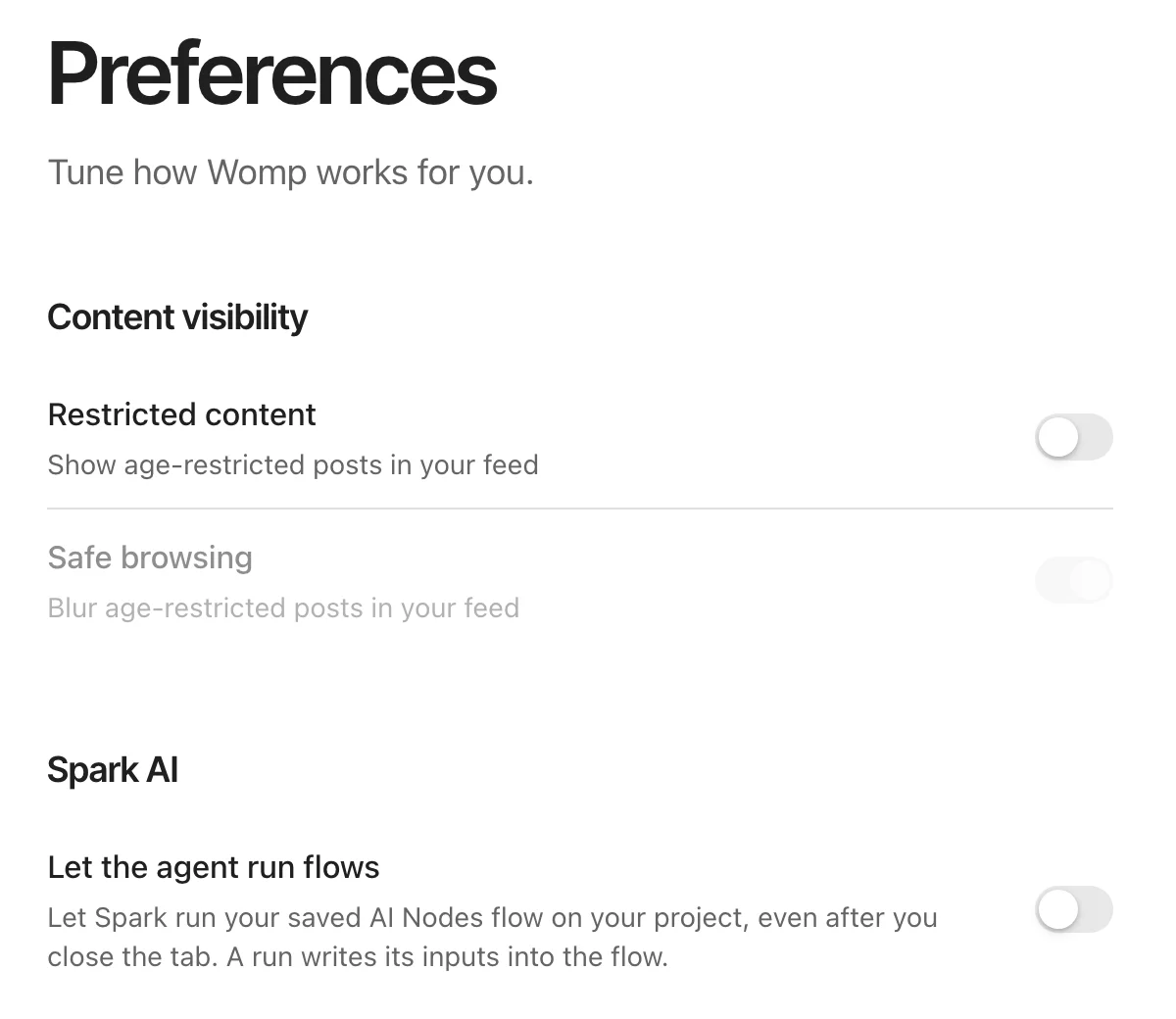
The Preferences page.
Password: only for accounts that sign in with email and a password.Delete account: see Account and help.
Under Credits & Billing:
Spark credits: your credit balance, usage andCredit history. See Credits and plans.Billing and plans: your plan, payment methods and billing history. Cancel or renew Pro here.
Inside a team, the team's group (Team details, Team members, Spark credits, Billing and plans) replaces Credits & Billing. See Womp Teams.
Message preferences
Turn each email on or off, or use Unsubscribe from all.
| Group | When | |
|---|---|---|
| Activity | Exports | A video or mesh export finishes or fails |
| Social | Likes | Someone likes your project |
| Social | Comments | Someone comments on your project |
| Social | Mentions | Someone mentions you in a comment |
| Social | Remixes | Someone publishes your remixed project |
| Social | Followers | Someone follows you |
| News & updates | Product updates | A bi-weekly roundup of what's new |
| News & updates | Competitions | Womp announces a competition |
| News & updates | Events | A weekly list of events and a recap |
Preferences
Content visibility:Restricted content: show age-restricted posts. You must confirm you are over 18. Off by default.Safe browsing: blur age-restricted posts. Only available whenRestricted contentis on.
Spark AI:Let the agent run flowslets Spark run your saved AI Nodes flow on your project, even after you close the tab. A run writes its inputs into the flow. Off by default.
Changing your email
There is no setting to change your login email. Email support@womp.com.
Use instead
- Wrong move: looking for billing in
Settingsto cancel Pro. Why: the plan is managed from its own page. Right move: open the avatar menu and chooseManage subscription, or openBilling and plansin settings. See Credits and plans. - Wrong move: promising someone they can add social links to their profile. Why: only verified creators can. Right move: say links are for verified creators, chosen by the Womp team.
Last checked: 2026-11-10. Womp version: Womp web app, November 2026.