
Docs
Get started
Make
Print
Credits and plans
Agents and developers
Account and help
Changelog
Use this when: you want a physical print of a model made in Womp or uploaded to Womp.
Don't use this for: modelling. Read Make.
Womp prints models and ships them to you. You order from the editor (the Print button in the top bar) or by uploading a 3D file. Womp checks each order before it prints.
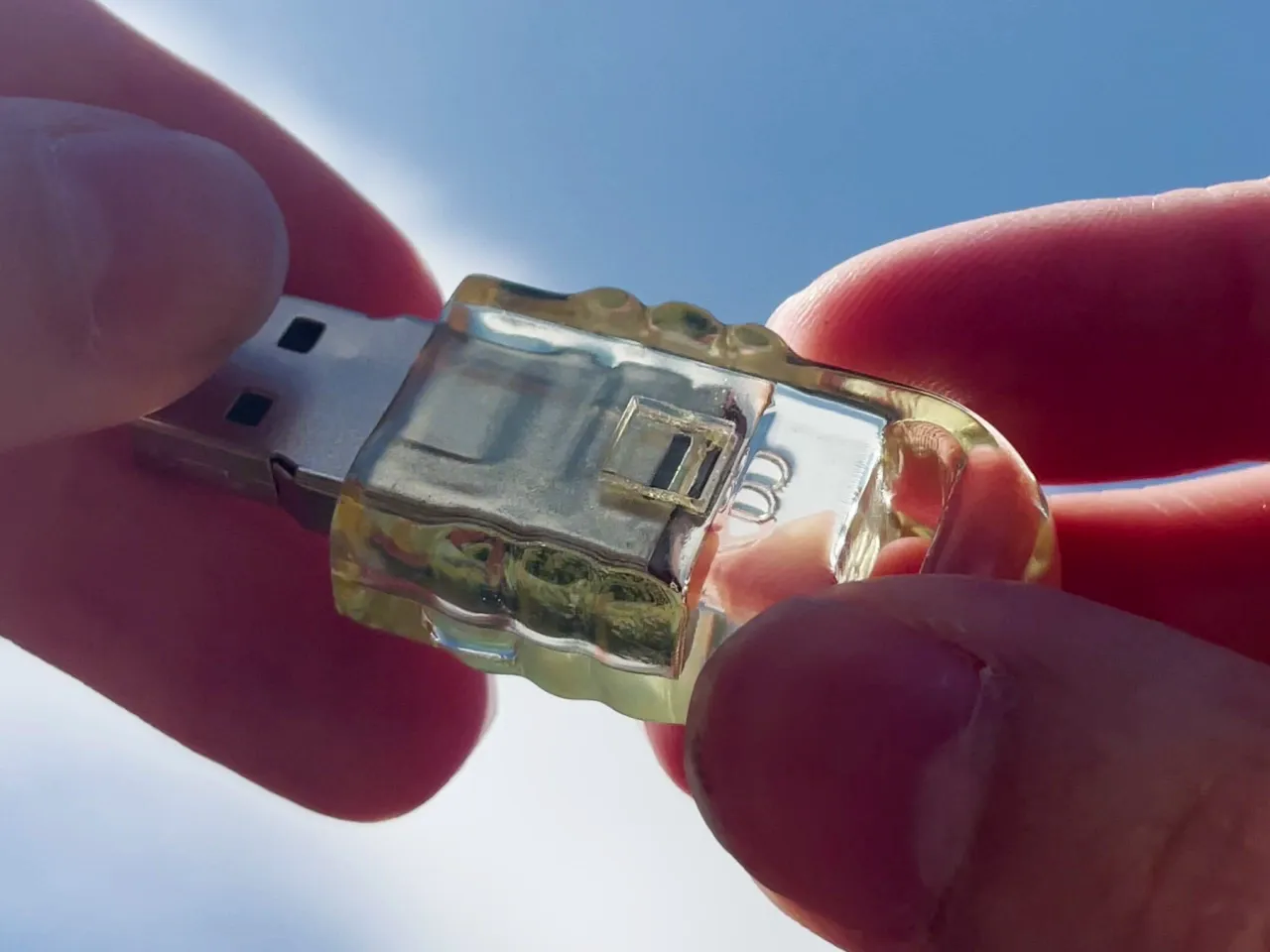
A USB stick case printed in clear resin. Clear resin is transparent only after its faces are polished or coated, so clear parts finished glossy follow the glossy rules (CLA-01).
Start here
- Design rules: the limits a model must meet, with a rule ID on every number.
- Materials and finishes: what you can print in, and how matte, glossy and clear differ.
- Ordering: the steps from the
Printbutton to checkout, and what happens after. - Shipping: delivery estimates, tracking and costs.
The three facts agents get wrong most
- Clearance is per side. A hole diameter is the shaft diameter plus 2 times the clearance (
CLR-01). - Glossy and clear parts need bigger gaps than matte: an open sliding fit needs 1 mm per side glossy, 0.5 mm matte (
CLR-04). A part sliding inside a closed sleeve needs 2 mm glossy (CLS-02). - The minimum order is $30 and a print must fit inside 30 x 30 x 30 cm. Both are live settings; this page reads them from Womp at each build. See Ordering.
Use instead
- Wrong move: sending a model to print without checking fits and thin parts. Why: a part can print and still jam, fuse or snap in shipping (
GEN-02). Right move: check it against Design rules first. - Wrong move: quoting a print price. Why: the price is computed per model at order time. Right move: open the
Printpanel in Womp, which shows the price for the model and settings.
Last checked: 2026-11-10. Womp version: Womp web app, November 2026.