Build and edit your scene with Spark (Womp AI)
How Spark (Womp AI) builds objects from Womp shapes in your scene and changes what is already there.Use this when: you want an object made of simple shapes that you can edit piece by piece, or want Spark to move, resize, recolour or copy objects in your scene.
Don't use this for: detailed organic shapes or parts with exact sizes. Read Images and 3D models, and Text to CAD.
Spark (Womp AI) can work directly in your scene. Ask for "a coffee mug" and it builds one from Womp shapes. It is not a picture and not an imported mesh. Every part is a normal Womp object you can select, move and edit afterwards.
What it needs
- A project open. If you start from the Spark page on a computer, Womp creates a project for you and opens it.
- A computer. Phones cannot open projects, so this is not offered there.
- Spark credits. Each build spends credits. The cost depends on the model you pick. See Spark (Womp AI).
Build something new
Pick the 3D model chip in a new chat, or just describe the object. Describe its shape, how the parts are arranged and their colours. Lighting and camera angles do not apply: this is a real scene you light yourself.
Build a table lamp: a weighted disc base, a slim vertical stem and a tapered drum shade on top. Matte black base and stem with a warm cream shade.
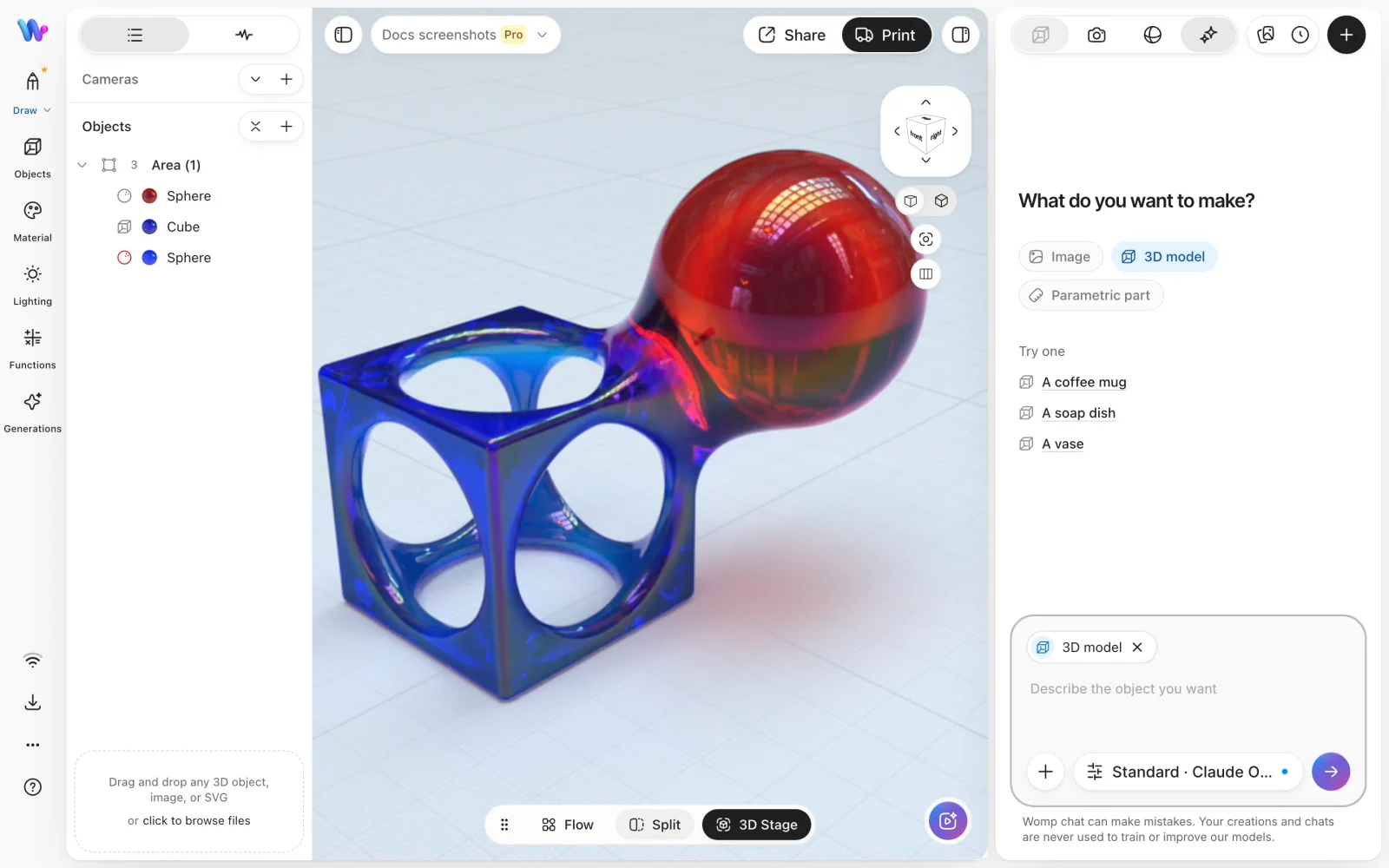
The 3D model chip picked in a new chat, next to the scene Spark builds in.
Edit what is there
Ask for changes in plain words:
Move the shade up a little and make it wider
Give the base a metallic material
Duplicate that and space the copies 40 mm apart
To change one object, select it first or say which one you mean.
Build, generate or design
Three tools can answer "I want a 3D model of X". Spark picks one from your words.
| Tool | What you get | Best for |
|---|---|---|
| Build (this page) | Womp shapes in your scene, editable piece by piece | Objects made of simple forms |
| Generate | One mesh made from an image, not editable in parts | Organic and detailed shapes. See Images and 3D models |
| Parametric part | A measured part with sizes you can change | Parts that must fit something. See Text to CAD |
To steer it, say so: "build it from shapes in my scene", "generate an image and make it 3D", or "a parametric ...".
Use instead
- Wrong move: asking for an octopus or a face to be built from shapes. Why: organic detail does not break down into simple shapes. Right move: generate an image and click
Make 3D. See Images and 3D models. - Wrong move: building a bracket that has to fit a real part. Why: a scene build is not driven by measurements you can change later. Right move: ask for a parametric part.
- Wrong move: asking Spark to build in your scene on a phone. Why: building needs an open project, and phones cannot open one. Right move: use a computer, or generate an image or mesh on the phone and add it later from
Generations.
Last checked: 2026-11-09. Womp version: Womp web app, November 2026.