
Docs
Get started
Make
Print
Credits and plans
Agents and developers
Account and help
Changelog
llms.txt and Markdown pages
The plain-text files agents use to find and read every Womp docs page.Use this when: an agent needs to find the right docs page, or read the docs as text.
Don't use this for: print limits as data. Use /docs/data/print-rules.json.
The files
- /llms.txt: an index of womp.com for agents. The docs come first, grouped by task: answer a question, build in Womp, make it printable, price and order, agents and developers.
- /llms-full.txt: every docs page in one file, in reading order. Each page starts with its URL.
- Markdown twins: drop the trailing slash and add
.mdto any docs path./docs/print/materials/is also at /docs/print/materials.md. The docs home is /docs.md.
The Markdown twin is the page itself: the HTML page is rendered from the same Markdown.
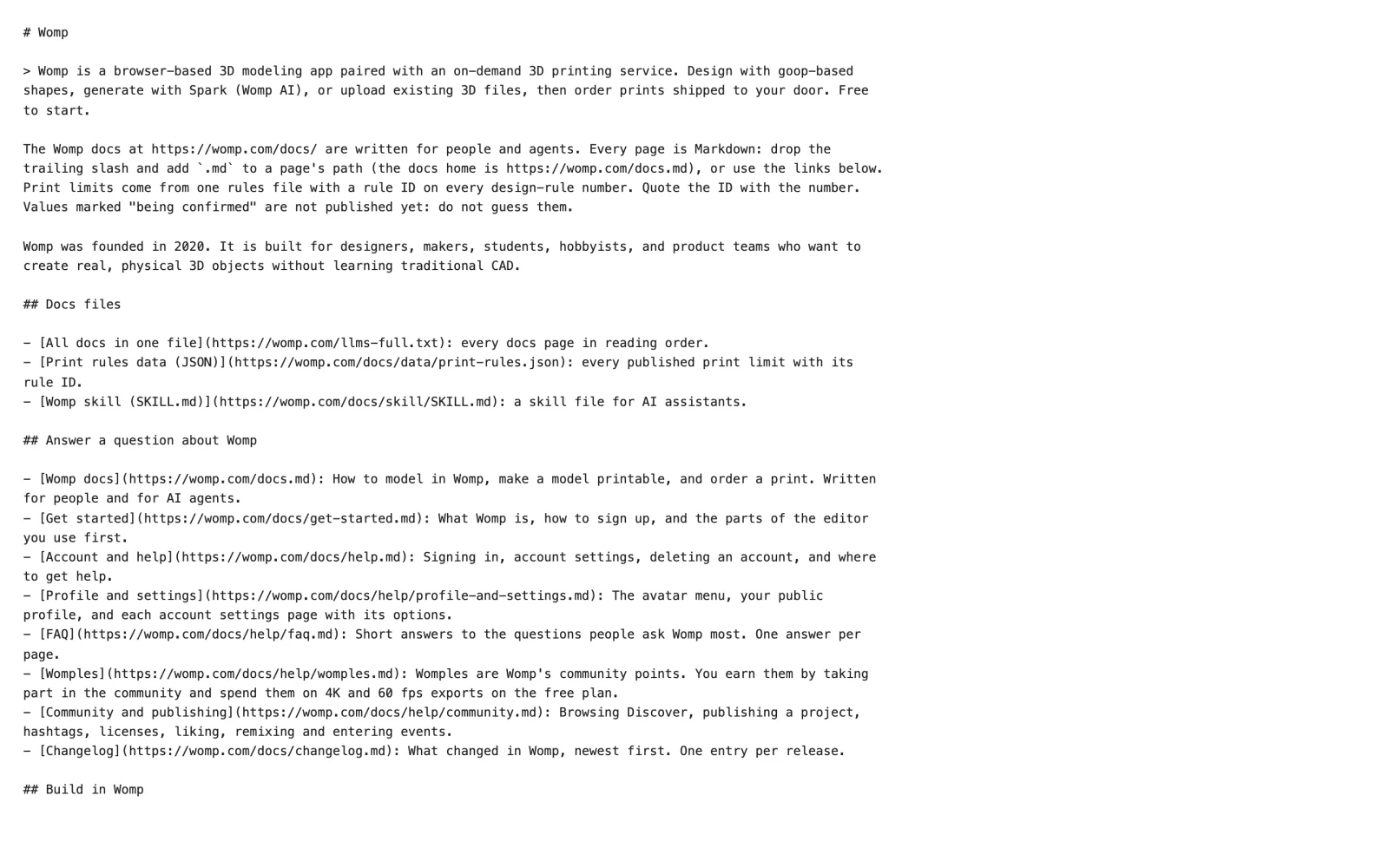
The start of /llms.txt. The docs come first, grouped by task, and each link points to a page's .md file.
From a docs page
Each page's top bar has:
Copy page: copies the page as Markdown.- The Markdown button: opens the
.mdtwin. ChatGPTandClaude: open the assistant with a prompt to read the page's.mdtwin.
Use instead
- Wrong move: loading
/llms-full.txtfor one question. Why: it holds every page. Right move: read/llms.txt, then the one page you need.
Last checked: 2026-11-09. Womp version: Womp web app, November 2026.